
Hello,
my name is Peter and this is my resume/cv
About Me
A driven individual with a passion for all things web. Built my first website in 1994 and founded a web agency in 2000. After graduating with a Masters degree I’ve worked both in enterprises and start ups. Most recently founding my own consultancy, Providing full stack services from hosting, back and front-end development. Looking to join a team of talanted people to do great work.
Education
-
1981
I was born in Kungälv, Sweden
This is where I spent my formative years in a diverse comunity getting my primary and secondary eduction.
-
2002
Bachelors degree, Chalmers University of Technology
Graduated in 2005 with a Bachelors degree in computer engineering specialized in software development
-
2005
Masters degree, Chalmers University if Technology
Graduated 2007 with a Masters degree in Applied information technology specializing in Artificial intelligence
Experiences
WeDoWeb
2000 - 2008
Sweden
Founder / PHP programmer
Started a small web agency with a friend and ran it as a side business all through high-school and unviersity. A great learning experience
Atlas Copco
2006 - 2009
Belgium
Developer / Project Manager
Moved to Belgium and started to work for Atlas copco as a software developer for embeded systems, moved within the company to a project leader position where I worked on the web presence of the business unit.
Akamusic
2009 - 2012
Belgium
Developer / CTO
Worked initially as a back-end developer taking on more responsibilities, eventually taking over as CTO during a company pivot from a music centric to a more general crowd funding platform.
mini|GRAND
2012 - present
Latvia
Founder / Developer
Moved from Belgium to Latvia with my family and established my own business. Full stack web development and business management.
Skills
Ruby / Ruby on Rails
HTML / CSS
Javascript
Dev Ops, AWS, GCS
PostgreSQL / MySQL
Beginner
Proficient
Expert
Master
Languages
Swedish
English
Latvian
Projects/Customers
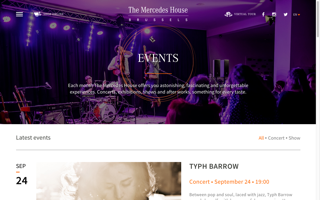
Your Golf Travel Ltd,
Where I currently work as a Tech Lead for the Content Team integrating a cross brand Content publishing and servicing system.
- Contentful CMS
- Customized content building and aggregation
- Contract driven content serving
- Fault tollerant micro service architecture
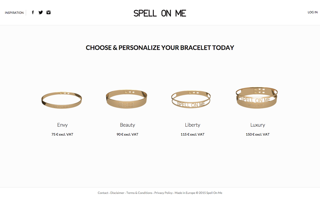
Spell on me
Tailor made jewllery e-commerce solution.
- Custom CMS
- 3D preview system of client orders
- Payment integration
- Responsive
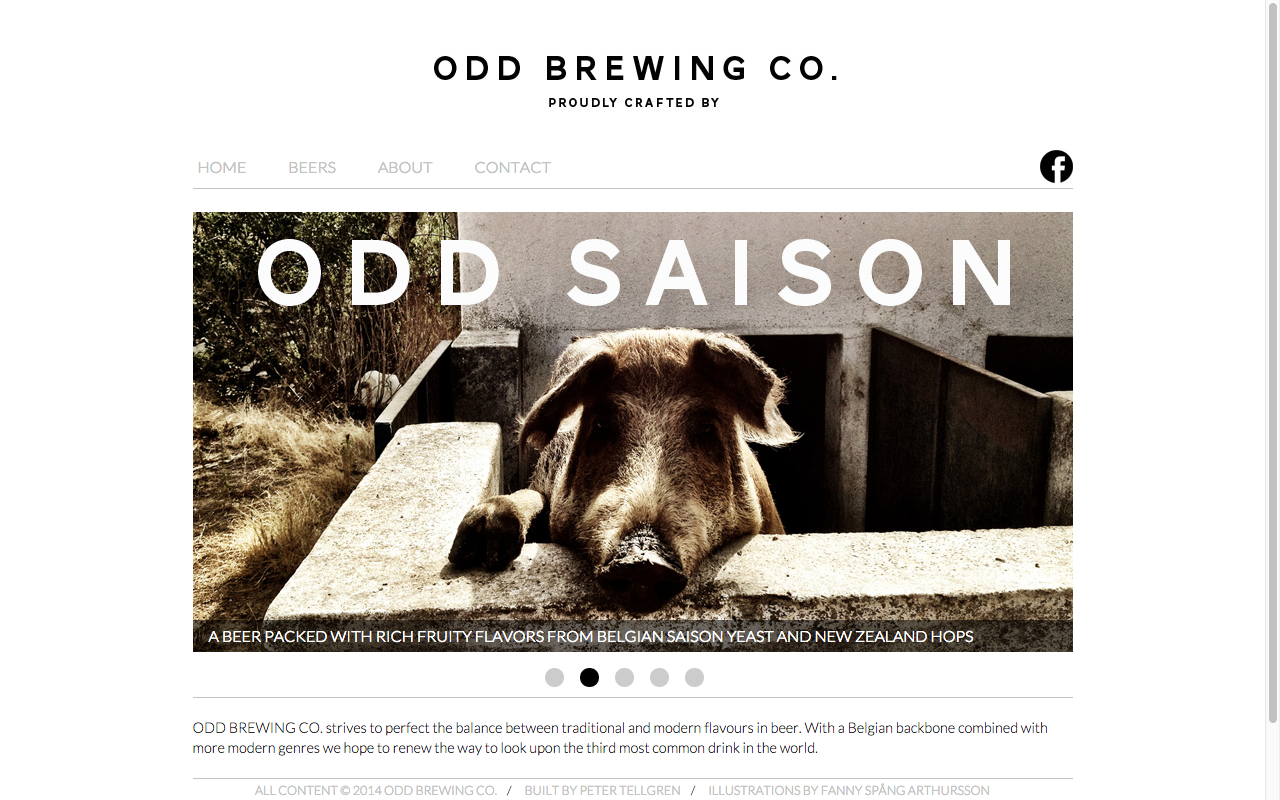
ODD Brewing CO.
Built ODD BREWING CO. website by taking customer created design and modified adapted it for mobile devises as well as desktop. The website is statically generated allowing for a fast experience as well as easy management..
- Static site generation
- Responsive
- Desing consulting
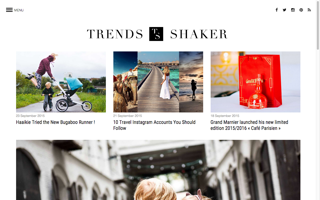
Trend-Shaker
A compleatly custom blog platoform based on Ruby on Rails.
- Custom CMS
- Ad network integrations
- Retina ready
- Responsive
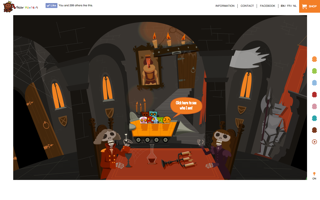
Fearhunters
A fun landing page utilizign scroll-jacking for animations and story-telling in a novel way.
- Javascript and SVG interaciton
- Parrallax
- Multilanguage
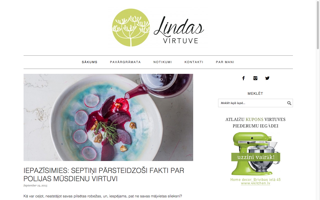
Lindas Virtuve, 2015
New theme development and wordpress integration for the no1 Latvian food blog.
- Wordpress
- Theme development and customization
- Social Media integrations
- Responsive